
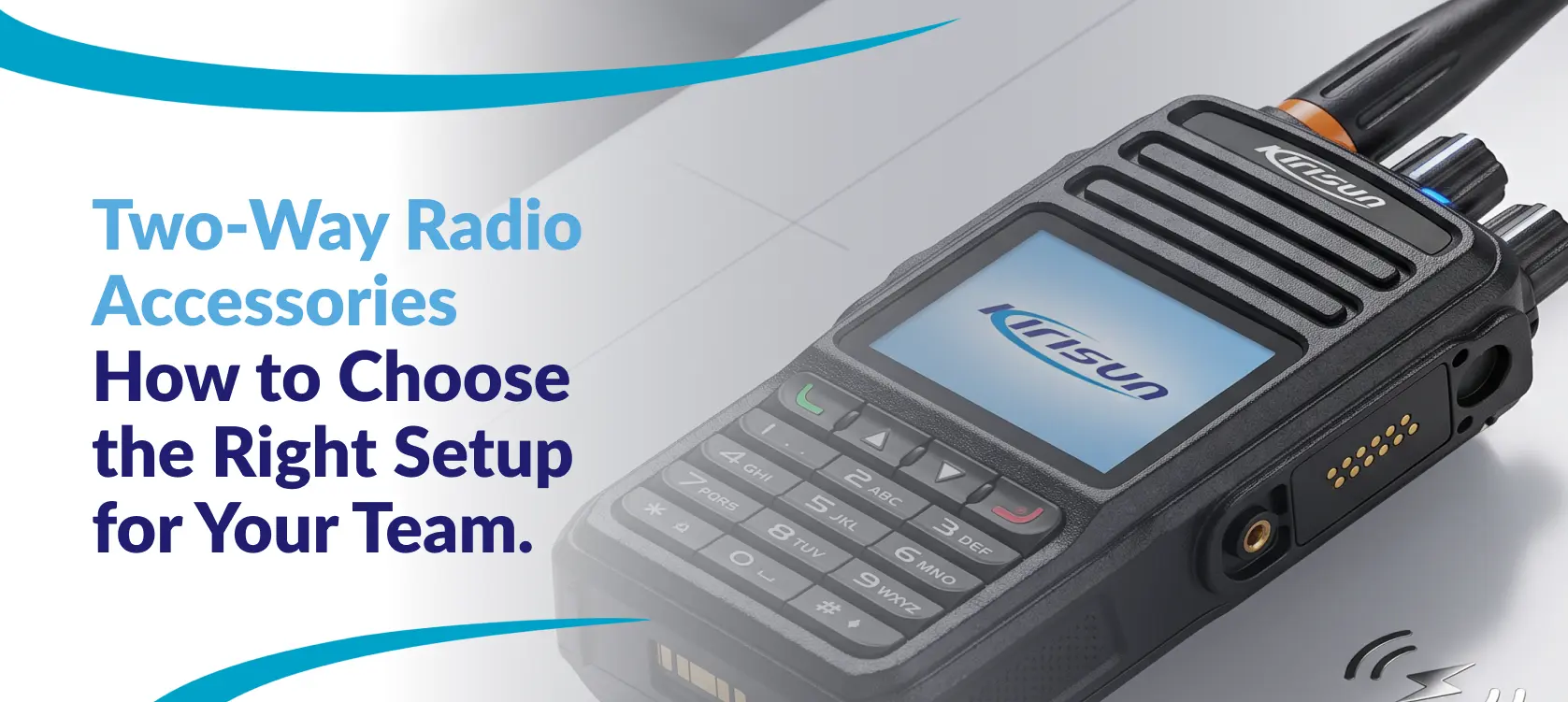
 A security officer needs to hear a call without broadcasting it to everyone nearby. A warehouse supervisor needs a microphone that is easy to reach while moving between work areas. A facilities team needs charged radios ready for the next shift. Each team uses two-way radios, but the accessories that support their daily work can vary.
Choosing the right two-way radio accessories starts with asking: what does the user need to do, and which options work with the exact radio model? Earpieces, microphones, batteries, and chargers should support that combination. Buying by appearance alone can leave a team with equipment that does not fit the radios or the team’s workflow.
This guide explains how to assess audio, power, and charging options before selecting a setup with Kirisun Americas that works best for your team.
Start with the job and the radio model
Before comparing accessories, identify who will use the radio and how they will carry it. Is the radio clipped to a belt, carried in a pocket or used at a fixed workstation? Does the user need discreet listening, a more accessible push-to-talk control or a charging routine for shared equipment?
Know the exact model designation for each radio in your fleet. If you use more than one model, keep separate lists. Two devices from the same manufacturer do not automatically share the same audio accessories, battery packs or charger requirements.
Kirisun Americas provides accessory categories on its product pages and notes that availability varies by model. Use those pages as a starting point, then confirm the specific accessory reference before ordering. If at any point you need assistance, our expert team will is on hand to help.
Choose earpieces and microphones around daily tasks
Consider an earpiece for teams that need to listen discreetly in guest-facing or public environments. For hospitality, property management, and security teams, the practical factors include comfort over a full shift, ease of use and how the cable will be worn.
Also consider what happens when equipment changes users. Shared audio accessories need a cleaning and replacement routine that follows the accessory manufacturer’s instructions. A comfortable arrangement for one employee may not suit others on the team.
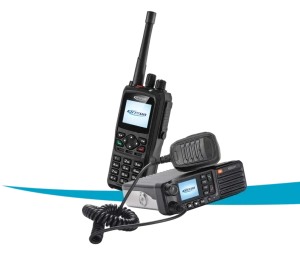
Selected radio models have an external speaker microphone that gives users access to audio and push-to-talk controls while the radio stays secured in its carrying position. Check how the microphone will attach to clothing, whether its controls can be used with work gloves and whether the cable interferes with normal movement.
For noisy sites, assess speech intelligibility during a real-world trial. Do not assume that every earpiece provides noise cancellation or hearing protection. If a task requires hearing protection, have the site’s safety lead confirm the appropriate equipment and requirements before selecting the radio audio setup.
Check radio accessory compatibility before purchasing
The term DMR describes a digital radio standard. It does not mean that DMR radio accessories are physically interchangeable. Audio connectors, battery interfaces, and charging requirements still vary by device and accessory design.
Radio accessory compatibility should be checked against the exact radio model and the accessory’s part number. A connector that looks similar is not enough evidence. Confirm the supported connection, the intended audio functions, and any configuration needed for the setup.
If you are considering wireless audio, ask whether the exact radio version supports the required audio function. The presence of Bluetooth for programming does not by itself confirm Bluetooth headset support.
For example, a fleet using UP 305 radios and another using DP 580 or DP 585 radios should each have its accessories verified by model. Their product pages can help identify the categories to discuss.
Plan batteries around the entire shift
A battery decision should account for the working day, not just a capacity number. Record shift length, typical call activity, the opportunity to recharge, and whether radios are handed directly from one shift to the next.
Ask which battery options are approved for the radio, how they fit the existing chargers, and whether a spare-battery rotation is appropriate. Actual runtime depends on operating conditions and usage; a higher capacity figure alone does not guarantee a specific number of working hours.
For teams sharing radios across shifts, assign responsibility for returning equipment and checking that the next user has a charged unit. Labeling batteries and tracking recurring problems can help supervisors identify which items need inspection or replacement.
Choose a charging arrangement your team can maintain
Single-unit charging may suit individually assigned radios or a small team with separate workstations. A shared equipment area may benefit from a multi-unit arrangement, if a compatible option is available for the models in use.
Count the radios that need charging at the same time. Then check the space, power supply, and workflow at the return point. Ask whether the charger accepts a complete radio, a battery by itself or both, and verify the supported battery references.
For a mixed fleet, check each charging position and any required adapter or insert. Do not assume that a multi-unit charger supports every model or battery type. Follow the approved charging instructions and keep the equipment area organized so users can identify ready units.
Match the setup to the team
Across all three examples, the best setup is the one that suits the task and is confirmed for the specific radio model.The following examples are starting points for a conversation, not confirmed product bundles.
Hospitality and property management: consider discreet audio, accessories that are comfortable to carry, and charging at a convenient handover point. Test whether staff can hear calls while staying attentive to guests and their surroundings.
Security and event operations: review microphone access, earpiece comfort, and battery rotation across shifts. Evaluate the equipment with the uniform and gear used on duty.
Warehouse and facilities teams: assess audio in the actual work areas, cable placement, and how radios return to the charging station. Include the site’s safety requirements when reviewing the audio options.
Explore Kirisun radio accessory options
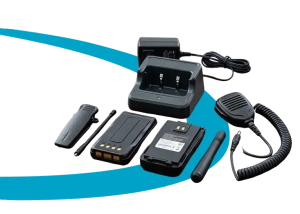
Kirisun Americas features accessory categories such as Batteries, Portable Antennas, Belt Clips, Handheld Microphones, Programming Cables, Earpieces, and Bluetooth Devices for supported models.
The right options depend on your exact radio model and your team’s needs. Contact our team to confirm which accessories are compatible with your equipment and which are included with your selected radio package or available separately.
Accessory images are examples. Availability, appearance, and compatibility vary by radio model. Not all accessories shown are included with every radio.
Frequently asked questions about two way radio accessories
- Are all two-way radio accessories interchangeable?
No. Compatibility depends on the exact radio and accessory. Verify audio connections, battery references, and charger requirements before selecting a setup.
- Can different DMR radios use the same accessories?
Possibly, if the manufacturer confirms the specific combination. DMR support alone does not establish accessory compatibility.
- Should every user have an earpiece?
Choose according to the role. Discreet listening may help some teams, while others may prefer the radio speaker or a compatible external microphone. Test comfort and usability before a wider rollout.
- Is a multi-unit charger suitable for a mixed fleet?
Only if it supports the radios and batteries concerned. Confirm the supported configurations and any required adapters before purchasing.
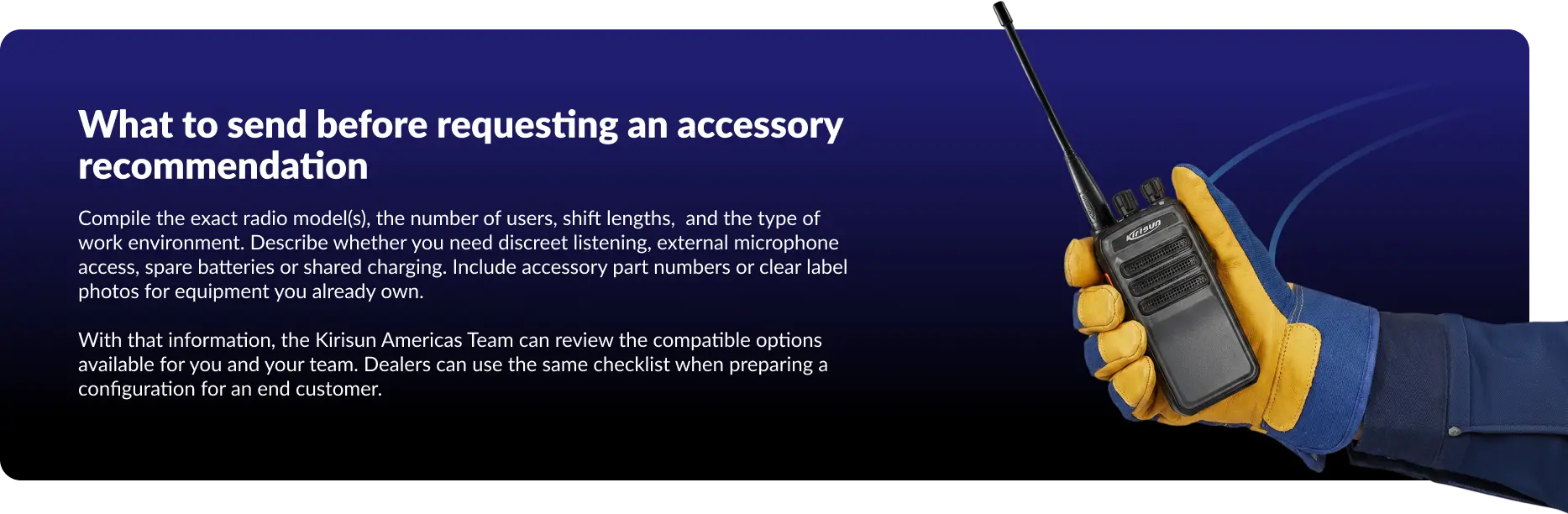
Build and customize your setup with Kirisun Americas.
Tell us which radios your team uses and how your staff works. We can help you review audio accessories, batteries and charging options, with compatibility checked before you choose your configuration.
